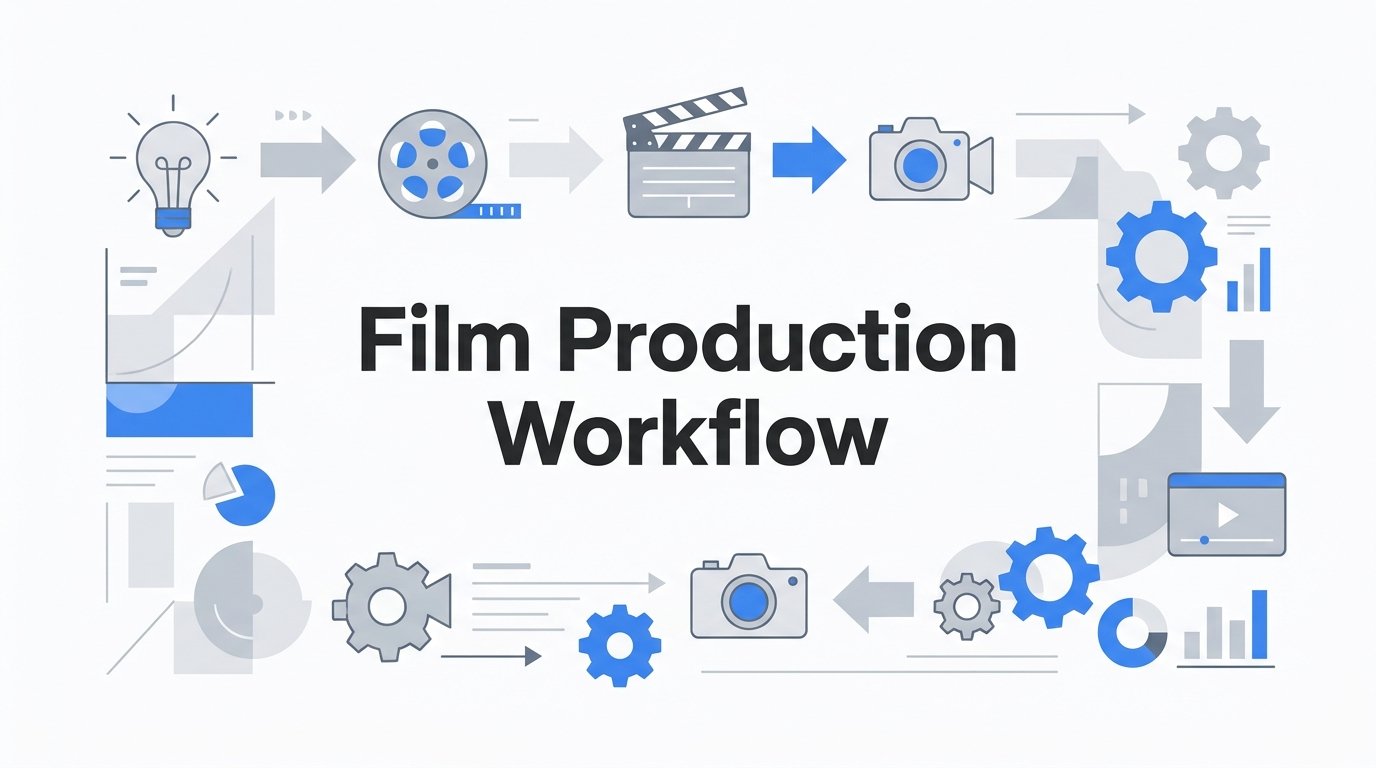
Film Production Workflow: How a Project Moves From Idea to Final Delivery
A film production workflow is the ordered set of stages, handoffs, and approvals that carries a project from concept to finished delivery. This guide walks through the five stages in order, names who owns each one, and flags the points where gear, crew, and decisions most often fail, so your project stays on schedule.
A film production workflow is the ordered set of stages, handoffs, and approvals that carries a project from concept to finished delivery. The stages themselves are simple to list. What decides whether a project stays on schedule is what each stage hands to the next, and who is responsible when something is missing. This article follows a project in order, names the owner of each stage, and flags the points where gear, crew, and decisions most often fail.
The Five Stages Every Production Moves Through
Nearly every film or video project, from a thirty-second ad to a feature, passes through the same five stages. Each one produces a specific output that the next stage depends on:
- Development: the idea becomes a script or treatment, with a rough budget and a decision on whether to proceed. Output: a script or treatment and an approved concept.
- Pre-production: the project is planned in detail. Output: a shooting plan, including schedule, shot lists, budget, cast, crew, locations, and equipment.
- Production: the footage and sound are captured. Output: raw footage, audio, and the data and paperwork that go with them.
- Post-production: the material is edited, mixed, graded, and finished. Output: an edited master.
- Distribution and delivery: the master is packaged for its destinations. Output: the deliverables, such as platform encodes, captions, and archives.
Stages overlap in practice
The list reads like a straight line, but real projects blur it. An editor often starts assembling scenes while shooting continues, which lets the team spot missing coverage while the cast and locations are still available. Location scouting and pre-visualization frequently begin during development, because a script that cannot be shot within budget needs to change early. The common belief that post-production starts only after the shoot ends costs many projects time they never get back.
Scale changes the duration, not the order
A solo shooter making a corporate video might move through all five stages in a few days: a call to agree the message, a one-page plan, a half-day shoot, an edit, and an export. A feature spreads the same stages across months or years, with separate departments and formal approvals at each boundary. The order stays the same. What scales is how much of each handoff is written down, because a larger team cannot rely on everyone remembering the same conversation.
Development and Pre-Production: Where Most Problems Are Prevented
Pre-production is often dismissed as paperwork. It is better understood as the stage where expensive problems are turned into cheap ones. A scheduling conflict found on paper costs an email. The same conflict found on set costs a day of crew and rented equipment.
The document trail, in sequence
The order of work matters, because each document feeds the next:
- Lock the script. Planning against a script that is still changing wastes every downstream document.
- Break it down. A script breakdown goes through the script scene by scene and lists every element that costs time or money: cast, props, vehicles, wardrobe, special effects, stunts, and locations.
- Build the schedule. Scenes are grouped by location and cast availability rather than story order, so a company moves to each place once.
- Budget. With the schedule in hand, costs can be estimated honestly, including a contingency line for the unexpected. Many productions set contingency as a percentage of the total, but the right figure depends on risk and on what financiers or clients require.
Alongside these sit the shot list (the planned camera setups for each scene), storyboards where the visuals need to be agreed in advance, and eventually the call sheet, the daily document that tells everyone where to be, when, and what is being shot.
The items that cause late delays
Permits, insurance certificates, and location releases tend to surface late because they depend on third parties. Many locations will not let a crew in without proof of liability insurance, and some will want to be named on the certificate. Filming on public streets, in parks, or near transit often requires a permit, and the rules, lead times, and fees differ widely by city and country. Check with the local film office or the property owner early, and do not assume that what worked in one place applies in another. Release forms for locations and for anyone identifiable on camera should be signed before the shoot, not chased afterward.
Tech scouts and camera tests
A tech scout is a visit to each location by the heads of department, usually the director, director of photography, gaffer, grip, and sound. They look at power access, window light, noise, and rigging constraints. Camera tests then check that the chosen camera, lenses, and recording format behave the way the team expects. These two activities are where the gear list is finalized, which is why the equipment conversation belongs in pre-production and not the week before the shoot.
Planning Equipment, Crew, and Logistics Before the Shoot
The shot list and script breakdown are the raw material for the equipment package. Every setup implies a camera position, a lens choice, a lighting approach, a way of supporting the camera, and a way of recording sound. Work through the list and the package largely writes itself.
Two illustrative packages
Suppose a two-person interview shoot in a single office. The package might be one camera, two or three lenses, a small lighting kit with stands and diffusion, a tripod, a lavalier microphone for the subject, and a recorder or camera-mounted audio input. Power is a wall outlet, and the main risk is a noisy room.
Now imagine a multi-location narrative shoot over several days. This needs a camera with matching lenses, a larger lighting and grip package including flags and stands, dollies or other camera movement tools, a boom microphone with wireless lavaliers, monitors, media for each shooting day, batteries, and possibly generators or distribution for locations without power. The difference is not simply quantity. Each added item adds a person to operate it and a checkpoint where something can fail.
A rental-planning timeline
- Reserve early. Popular cameras and lenses can be booked out around busy periods. Ask the rental house what lead time is sensible for your dates rather than assuming.
- Schedule a prep and test day. Pick up the gear before the shoot and run it together: record, play back, and check every cable and battery.
- Check compatibility. Confirm lens mounts match the camera body, media cards are in the format the camera records to, and power plates and batteries fit.
- Confirm return times. Match the return window to the wrap schedule, including travel, so a late finish does not turn into an extra rental day.
Who decides what
The producer owns budget, schedule, and logistics. The director owns the creative vision and performance. The director of photography chooses the camera, lenses, and lighting approach, and leads the camera and lighting crews. The gaffer runs electrical and lighting, the key grip handles rigging and camera support, the sound mixer controls location audio, and the assistant camera keeps focus, manages media and lens changes, and maintains the camera package.
Common mistakes
Renting without a test day is the most frequent. Close behind are underestimating power and media: a day of high-resolution footage fills cards faster than most first-time planners expect. And critical items, such as a camera body, a primary microphone, or key batteries, often have no backup. Adding more gear does not fix a planning gap. It adds more to carry, power, and operate.
On Set: How a Shooting Day Actually Runs
A shooting day follows a predictable rhythm. Crew arrive at call time, and the day opens with a safety briefing covering hazards, emergency procedures, and anything unusual such as stunts, rigging at height, or practical effects. Departments then block and light the first scene: the director works out the actors' movements, the camera and lighting teams set up around them, and the cast rehearses. Takes follow, with the crew resetting between each. At the end the company wraps, equipment is checked and secured, and paperwork is completed.
The assistant director and the call sheet
The assistant director (AD) runs the schedule on the floor. The AD calls the pace, warns departments about what is coming, keeps the set quiet for takes, and watches the clock against the plan. The call sheet is the single source of truth. If the director, producer, and department heads are all working from the same version, disputes about when and where are settled by reading it. Distribute updates as a new version and retire the old one.
Data management
Footage is the one thing that cannot be re-shot cheaply, so how it is handled matters. On larger shoots a DIT (digital imaging technician) manages this; on small ones, an assistant camera or the shooter does. The routine is consistent:
- Offload each card to at least two separate drives.
- Verify the copies with checksums, which confirm the files match the originals bit for bit, rather than trusting that a drag-and-drop finished.
- Reformat a card only after the backups are verified and someone with authority signs off.
- Name files and folders consistently, with a clear convention for date, camera, and roll, and keep a log of what was shot.
The script supervisor
The script supervisor tracks continuity: what an actor held in which hand, where a prop sat, how a line was delivered, which takes the director preferred. Their notes go to the editor, who uses them to find the right take and to avoid cutting together shots that do not match. A good set of notes saves hours in the edit.
Post-Production: From Raw Footage to Finished Film
Post-production runs in a rough sequence, though as noted earlier it often begins before the shoot ends. The steps below describe the standard order for a project with a full finish.
- Ingest and organize. Footage is copied into the edit system, sorted into bins, and checked against the camera reports and logs.
- Proxy and offline edit. A proxy is a lighter, lower-resolution copy of the original footage that edits smoothly on ordinary hardware. The offline edit builds the story using these copies.
- Picture lock. The edit is approved and the timing of the picture is final.
- Sound design and mix. Dialogue is cleaned, effects and music are added, and levels are balanced.
- Color grading. Shots are matched and given a look. A LUT (lookup table) is a preset that maps one set of color values to another, often used to preview camera log footage in a viewable form or to apply a starting look.
- VFX and graphics. Visual effects, titles, and lower-thirds are completed against the locked picture.
- Final conform and mastering. The conform rebuilds the edit using the original full-quality media in place of the proxies. Mastering then outputs the finished, highest-quality version from which everything else is made.
Why picture lock matters
Sound, color, and VFX all depend on exact timing. If a scene is shortened after lock, the sound mix must be adjusted, the grade rematched, and any effects shots redone or re-timed. Each department's work ripples, and the cost grows with every change. Treat lock as a real commitment, and if a change after lock is truly necessary, make the person asking aware of what it triggers.
Controlling the approval loop
Most revision trouble comes from unclear approvals. Before editing starts, agree in writing who the stakeholders are, who has final say, how many rounds of feedback are included, and what form feedback should take. Consolidated notes from one person are far easier to act on than separate, conflicting notes from six. Ask reviewers to comment on the story and message in early rounds and leave polish for later ones.
Delivery and Building a Workflow That Fits Your Project
The finished master is not the end. Deliverables are the specific files and documents the client, platform, or distributor requires. A typical list includes:
- The master file in a high-quality format.
- Platform-specific encodes, with the resolution, frame rate, codec, loudness target, and file size each destination asks for.
- Captions and subtitles, which many platforms and accessibility rules expect.
- Audio stems, such as separate dialogue, music, and effects tracks, which are essential for later versions or translations.
- An organized archive of project files, source media, and paperwork.
Platform specifications change, so check the current requirements of each service as of 2026 before encoding, and confirm any broadcast or festival technical specs directly with the recipient.
How project type changes the workflow
- Commercial: approvals are the bottleneck, so the client sign-off steps and number of revision rounds are fixed in advance.
- Short film: budgets are tight, so the script breakdown is used aggressively to cut scenes, locations, and cast before shooting.
- Documentary: the script is discovered in the edit, so logging and organization of footage matter more than a pre-written shot list.
- Music video: the track sets the structure and often a fixed release date, so scheduling and a tight shot plan drive everything.
A checklist for building your own
- Define the deliverables first.
- Work backward from the delivery date to set each stage's deadline.
- Assign one owner to every handoff.
- Write down the approval rules before work begins.
- Hold a short post-mortem after delivery and record what to change next time.
Map Backward From the Deliverables, Then Book Early
A clear workflow comes down to knowing every handoff before it happens: who passes what to whom, in what form, and by when. Start with the final deliverables and work backward through post, production, and pre-production until each stage has an owner and a date. Then settle the equipment and crew early, because those are the resources that become scarce and expensive when planning slips.
Get the professional film equipment you need to bring your production vision to life, without the overhead of ownership. Contact us today to check availability and secure your rental for your next shoot.
Serving New England Productions
Star wagons, honeywagons, crew trailers & more — delivered anywhere in Massachusetts and New England.
Request a Quote